
How to fix a mistake on your tax return - Infographic
PDF, 81KB, 1 page
Organization: Canada Revenue Agency
Type: Infographic
Last update: 2024-02-21
Learn about the different ways to request an adjustment to your tax return after you’ve filed.
Information on your tax return can be changed up to ten years after you filed.
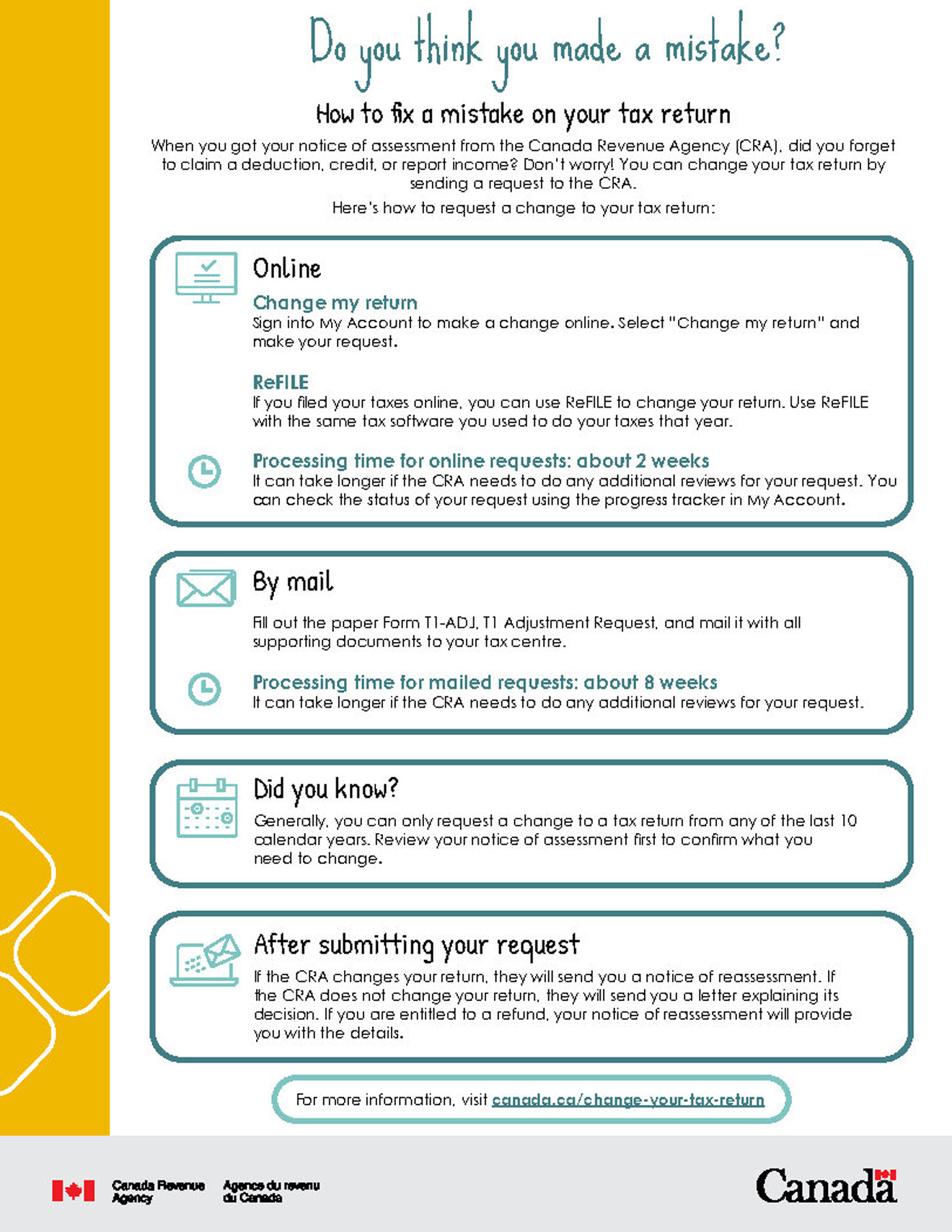
Infographic description
Do you think you made a mistake?
How to fix a mistake on your tax return
Did you realize you forgot to claim a deduction or credit or to report income after you filed your taxes? Don’t worry! You can still change your tax return by sending a request to the Canada Revenue Agency (CRA) after you have received your notice of assessment.
Here’s how to request a change to your tax return:
Online
- Change my return
- Sign into My Account to make a change online. Select “Change my return” and make your request
- ReFILE
- If you filed your taxes online, you can use ReFILE to change your return. Use ReFILE with the same tax software you used to do your taxes that year
- Processing time for online requests: about 2 weeks
- It can take longer if the CRA needs to do any additional reviews for your request. You can check the status of your request using the progress tracker in My Account.
By mail
Fill out the paper Form T1-ADJ, T1 Adjustment Request, and mail it with all supporting documents to your tax centre.
Processing time for mailed requests: about 8 weeks
It can take longer if the CRA needs to do any additional reviews for your request.
Did you know?
Generally, you can only request a change to a tax return from any of the last 10 calendar years. Review your notice of assessment first to confirm what you need to change.
After submitting your request
If the CRA changes your return, you will receive a notice of reassessment. If the CRA does not change your return, you will receive a letter explaining the decision. If you are entitled to a refund, your notice of reassessment will provide you with the details.
For more information, visit canada.ca/change-your-tax-return